Posted on May 05, 2016 under Curiosities |
IRONMAN is partnering with the UCI to leverage the latest technology to combat the concealment of motors or other artificial accelerating devices by athletes looking to gain an unfair advantage.
Source: IRONMAN Announced Changes to Global Competition Rules to Counter Techn
This is good news, but have to admit, I think it’s really unfortunate that it needs to happen.
Posted on Apr 07, 2016 under Curiosities, Geek Out! |
Where the world’s top endurance coaches, industry experts, and thought leaders come together to discuss successful business strategies and the latest in science based coaching.
Source: Endurance Coaching Summit
Posted on Apr 06, 2016 under Curiosities, Geek Out!, nutrition |
Source: Road Cycling Summit
This looks pretty cool. Gonna try to check it out.
Posted on Jul 03, 2015 under Chuckles, Curiosities, Factoids |
See! When I say I’m 28, I’m talking about my fitness age, not chronological 🙂 We won’t talk maturity level or mental age though.. ok 🙂
Older athletes can be much younger, physically, than they are in real life.
Source: Older Athletes Have a Strikingly Young Fitness Age
Posted on Apr 08, 2015 under Curiosities, Factoids |
My Wahoo Kickr trainer recently crapped out, so it seemed like a good time to do a catchup on Wahoo Fitness.
Lets start with …
My Kickr
So it was fine last Thursday for my MAP ride, but when I went to do my long ride on Saturday it wouldn’t put any useful resistance into the workout, then the power reading would drop to zero and the resistance would climb in excess of 800w. Seems I need a new “top cap”, but Wahoo was quick at diagnosing the problem and shipping the part. Great customer support!
Turn-Based Navigation
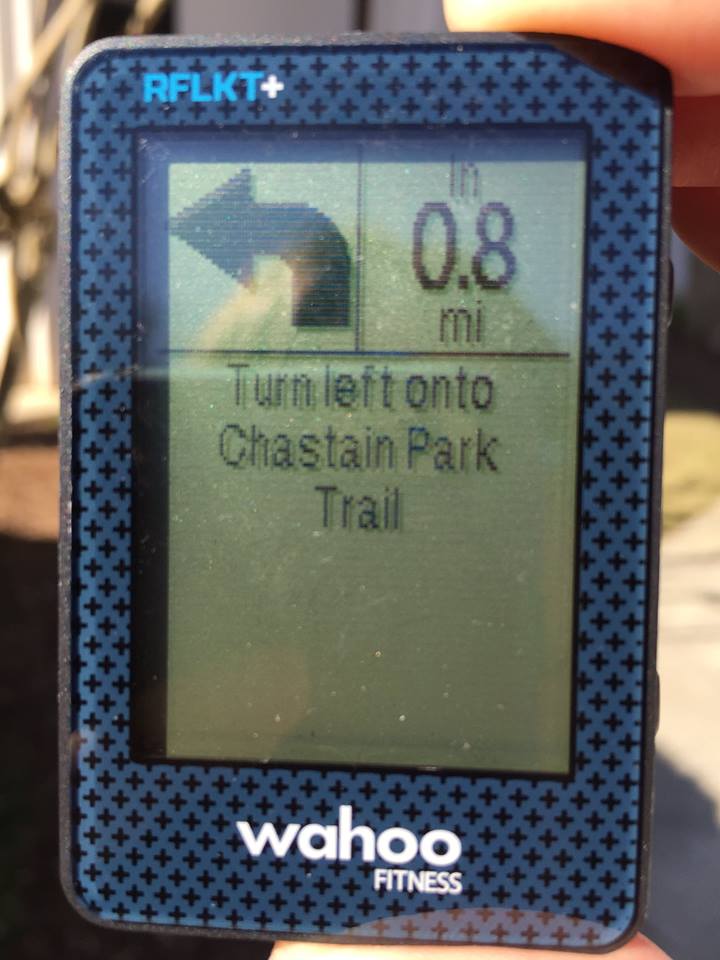
Wahoo has partnered with RideWithGPS to enable turn-by-turn navigation on the RFLKT and RFLKT+ computers.
Users can plan a ride out in advance or find one online using the Ride with GPS route planner getting where they need to be safely and efficiently. Metrics from the ride like speed, distance, duration and elevation gain (RFLKT+ only) are displayed on the computer as well.
This is pretty cool, though I haven’t tried it myself (I have well known training routes that I follow so don’t tend to use nav much). Still I think it’s a pretty smart use of a remote display for a smart phone.
And Finally…
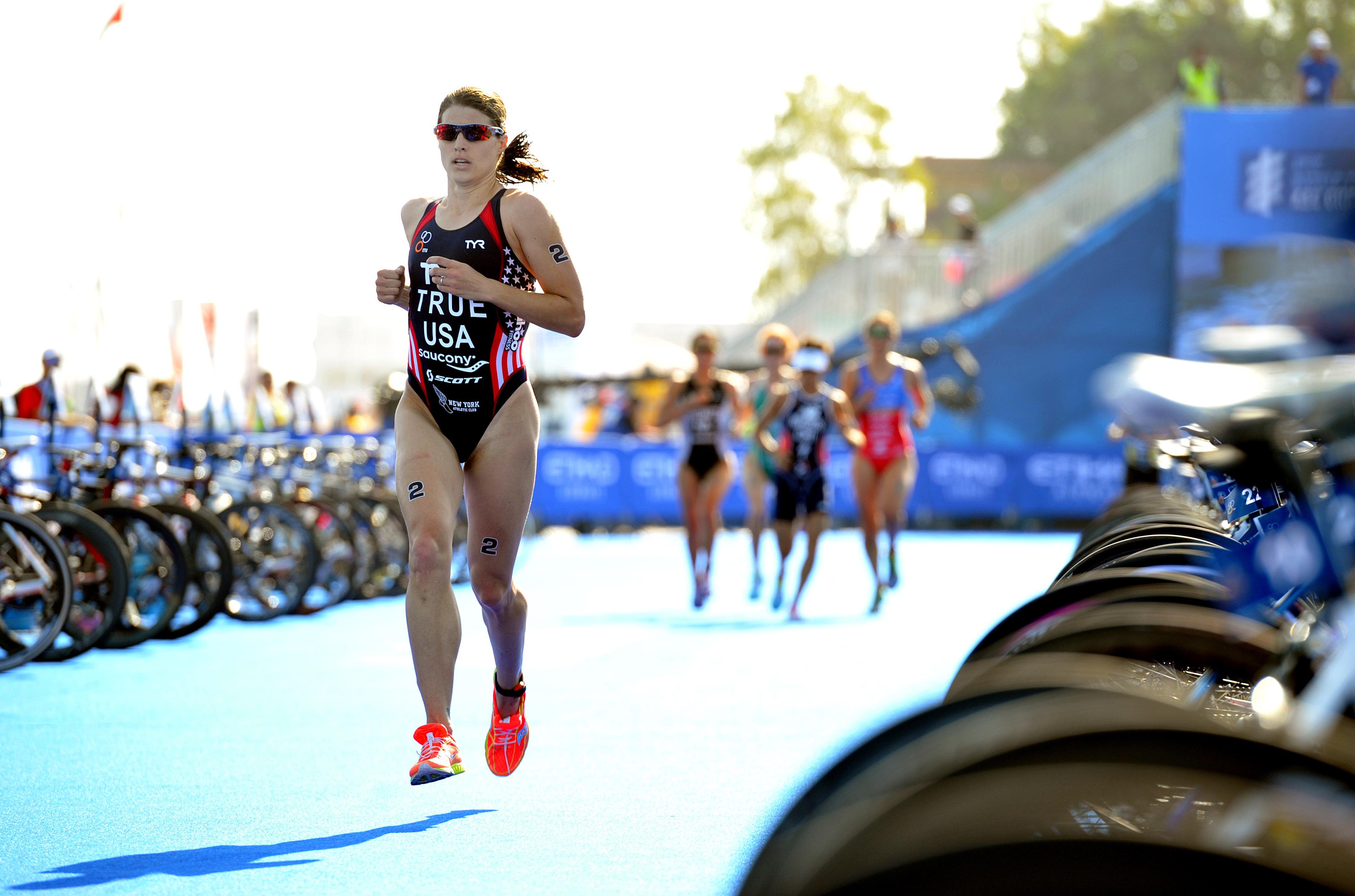
Wahoo Sponsors Sarah True (Groff)
2012 Olympian, silver medalist in the 2014 International Triathlon Union (ITU) World Championships and a strong hopeful for the 2016 Rio Olympic Games. During the 2015/16 season, True will train on the KICKR power trainer (also used by Team Sky), TICKR X Workout Tracker, RFLKT+ Computer, the Balance Scale, and other Wahoo Fitness products. The data generated by Wahoo products provides True and her coach the metrics needed to stay on track throughout the season. True will focus primarily on the ITU World Triathlon Series and started her season on March 6th in Abu Dhabi, the first race on the ITU World Series calendar, where she finished 9th overall. Five American women finished in the top 10 in that race. True continued her season March 28th and 29th at the ITU World Triathlon in Auckland, New Zealand with an 8th place standing.
 Subscribe